Pick the distractions
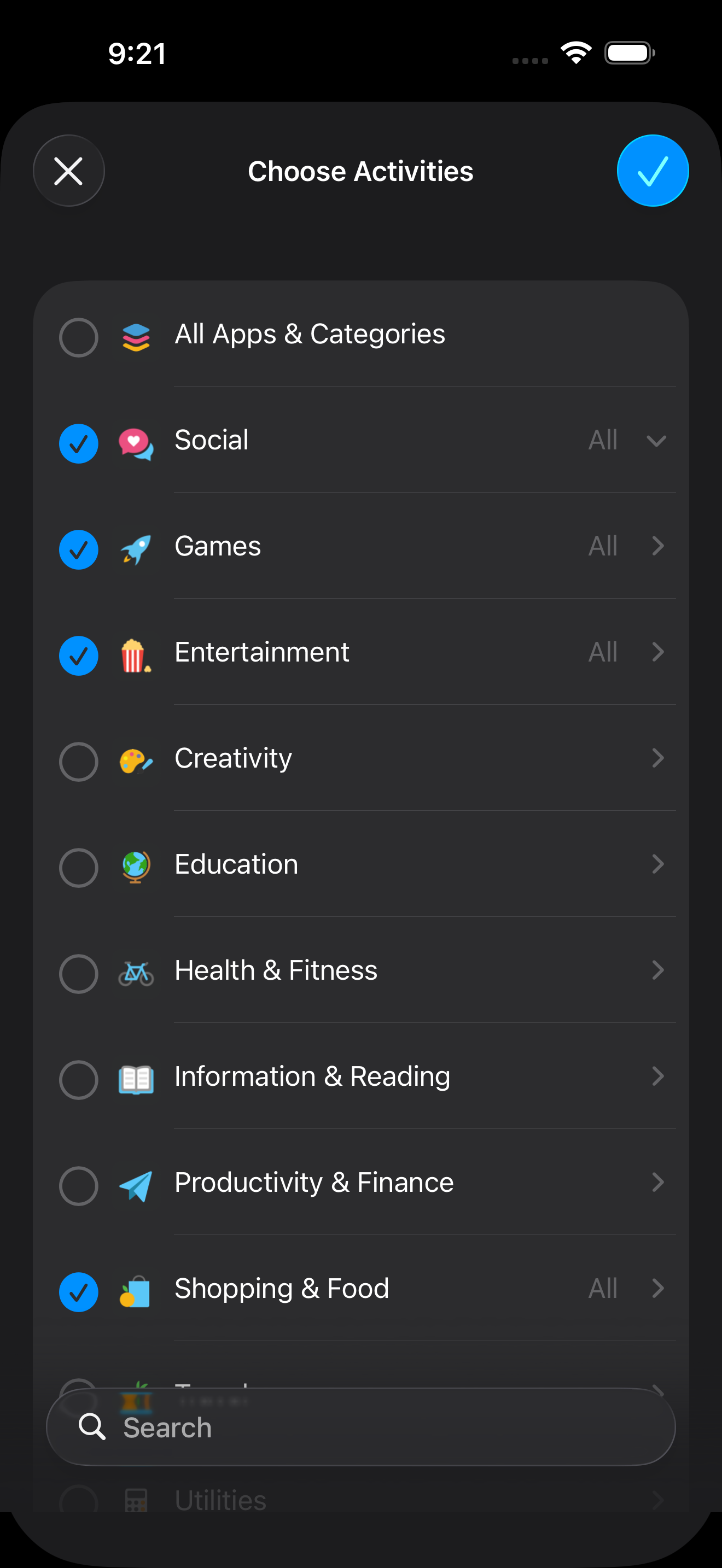
Choose the apps and website categories you want unavailable during the session. Zone cannot see the specific items you select.
Zone is a focus timer that blocks distracting apps and websites on your iPhone and iPad—so a moment of impulse does not become an hour of scrolling.
For iPhone and iPad · Requires iOS 18 or later

Ordinary timers count minutes. Zone pairs the countdown with real restrictions, helping you protect the time you intended to focus.
Choose the apps and website categories you want unavailable during the session. Zone cannot see the specific items you select.
Start a preset or custom session, then follow the remaining time from Zone, the Lock Screen, or Dynamic Island.
Strict Mode is built for the moment when you are tempted to end a session early.
Zone is designed to do its job without building an advertising profile around your attention.
Select the apps and websites that tend to pull you away.
Pick a duration and turn on Strict Mode when you need more friction.
Zone applies the restrictions and keeps the remaining time visible.
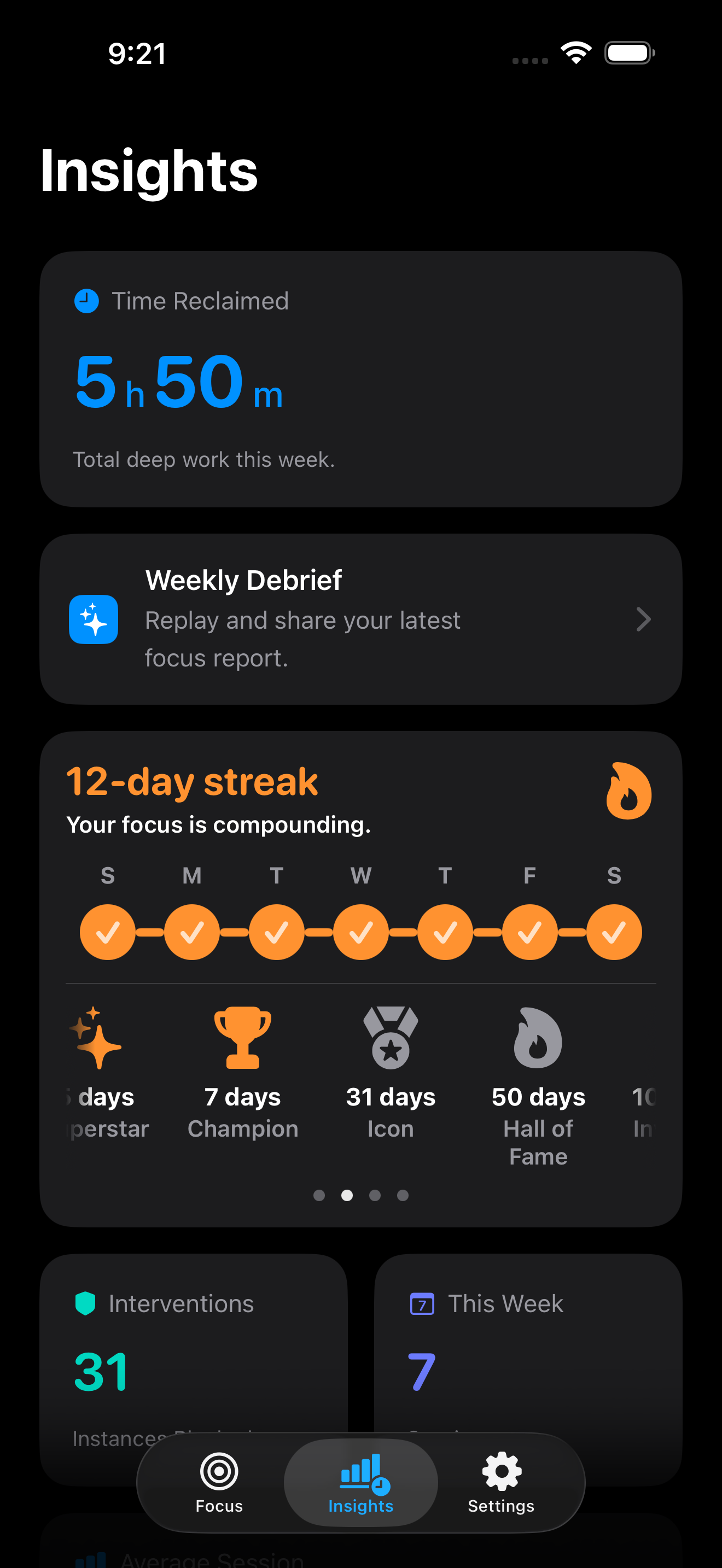
Review completed sessions, focused time, streaks, and blocked attempts. You can also choose to save completed sessions to Apple Health as Mindful Minutes.
Your phone should protect the decision you already made—not keep asking you to make it again.
The idea behind ZoneThe practical details people usually want to know first.
FAQ →Zone can restrict selected apps and websites while a focus session is active. Apple’s Screen Time frameworks apply the restrictions on the device.
No. Apple provides Zone with opaque selections, so the app can apply your choices without learning which specific apps or websites you picked.
Normal sessions can be ended early. Strict Mode is designed to make that choice harder, so use it only when you are comfortable committing to the selected duration.
No. You can use Zone without creating an account.
Choose what to block, set a timer, and give your attention one clear place to go.